Online booking system for services, teams & meeting rooms

WebbyBooky is a simple online booking system for small businesses. Manage service appointments, team member schedules, and bookings for rooms and rental spaces in one place, directly from your browser. Start free with up to 2 team members or rooms.

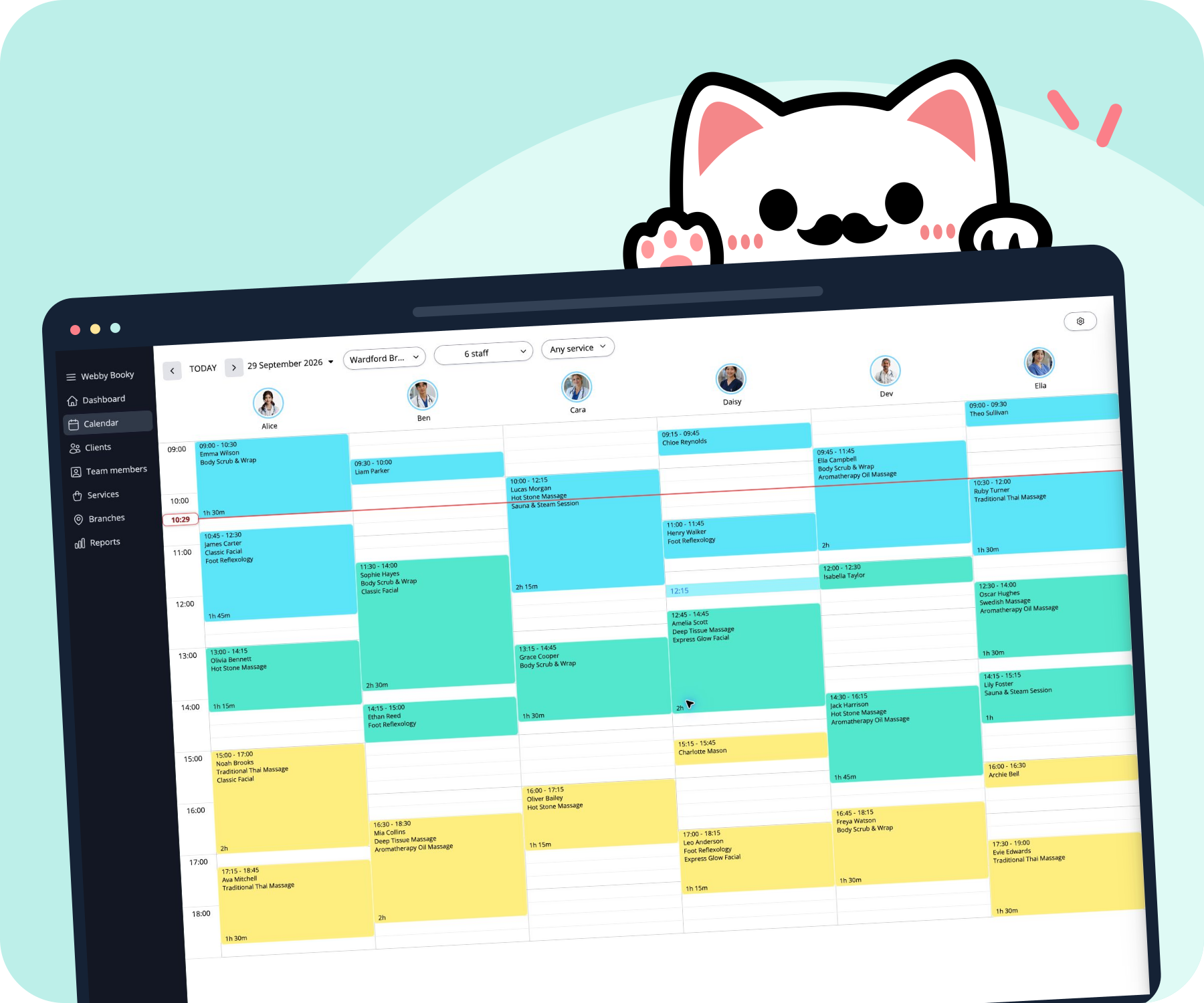
WebbyBooky booking calendar displayed on a laptop and tablet

From the first booking to the end of the day

An online booking system that brings your schedule, customer bookings, and payments together.

Your booking calendar

See your day. Make room for changes.

See appointments across your team in one calendar. Add a booking for a client, check the details, or move an appointment when plans change, without losing track of the rest of the day.

  • Drag and drop to reschedule
  • Keep booking notes and statuses together
  • Switch between branches and team members
WebbyBooky calendar showing appointments side by side for two team members

Online customer booking

Let customers choose a time that works.

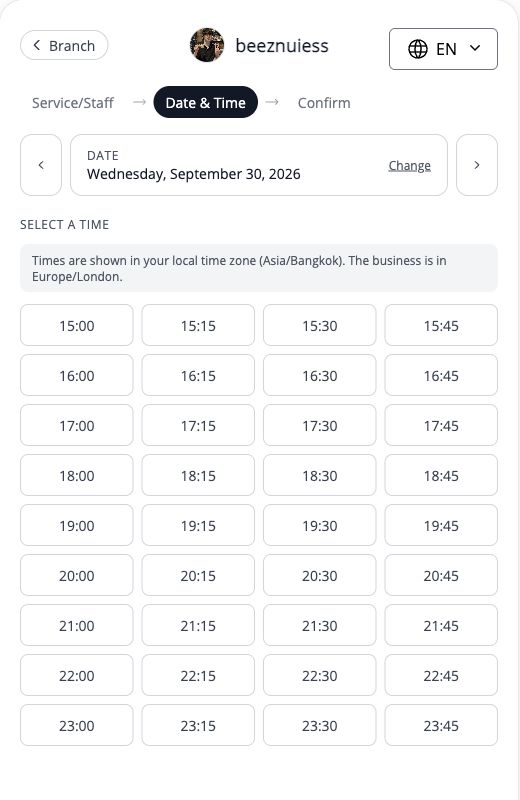
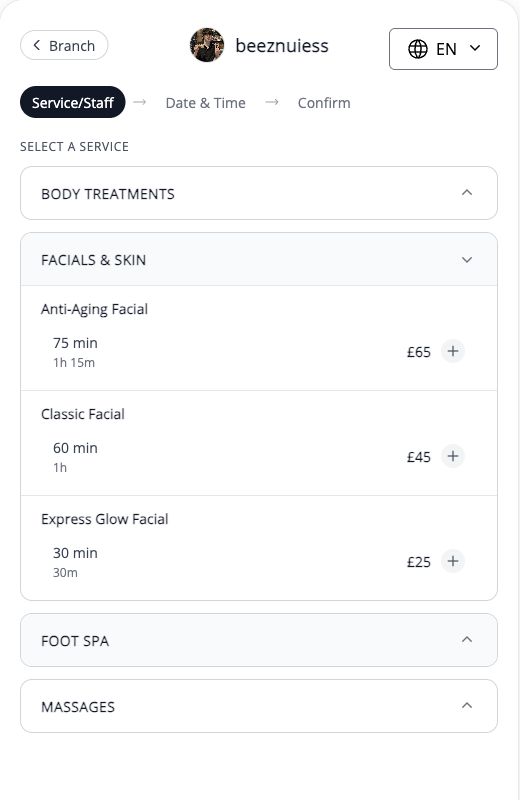
Share your booking page so customers can choose from your available options. They select a service or space, pick a time, and enter their contact details, with no customer account to create.

  • A booking page to share with customers
  • Available dates and times in one place
  • Separate booking flows for services and rooms
WebbyBooky customer booking page with duration, date, and available start times

Rooms and spaces

Make every bookable space easy to manage.

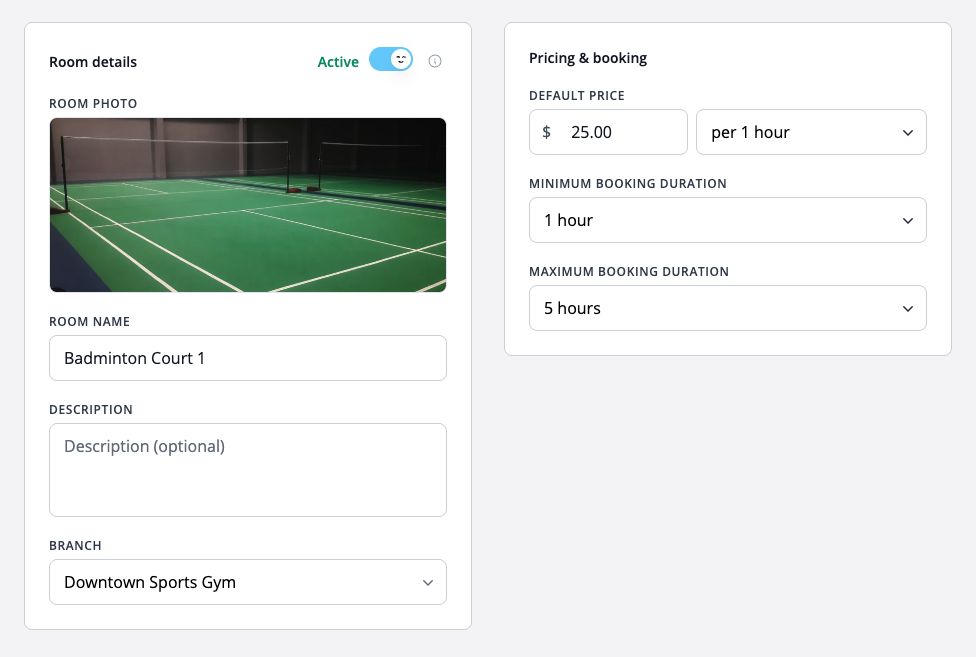
Manage meeting rooms, studios, or courts with a calendar built around your spaces. Set hourly rates and booking duration limits so customers know what they can reserve and how much it costs.

  • View reservations across your rooms
  • Set minimum and maximum booking lengths
  • Calculate room prices from the chosen duration
WebbyBooky room calendar showing court reservations and booking durations

Booking payments

From a confirmed booking to a paid visit.

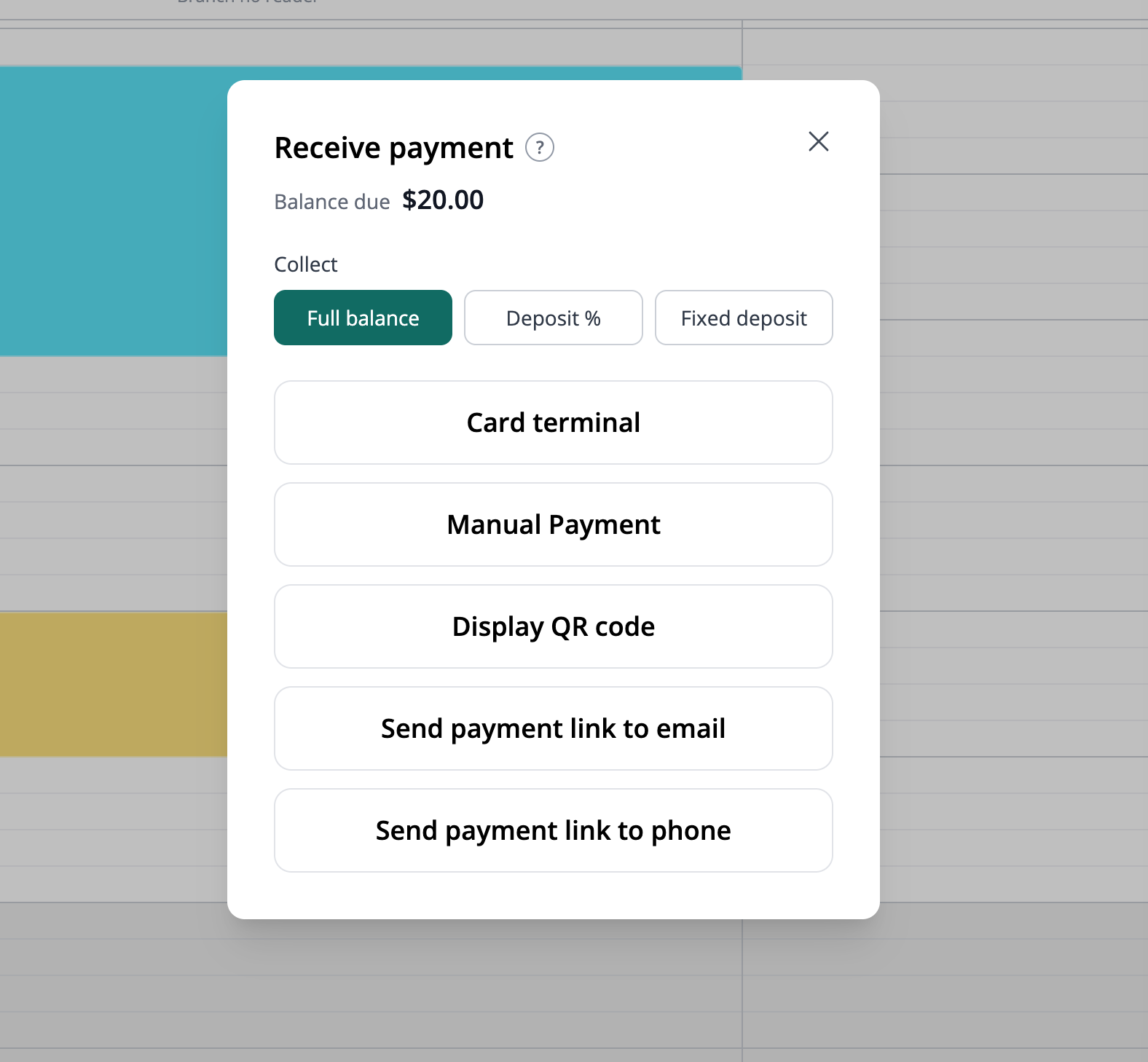
Collect a deposit or full payment during online booking. When a customer visits, open their booking to collect payment, show a payment QR code, or send a payment link.

  • Deposits or full payment at online checkout
  • Payment links by email or SMS
  • In-person card payments with supported Stripe Terminal readers
Payment options for a WebbyBooky booking, including a card terminal, QR code, and payment links

The details behind a well-run day

Keep the information your team needs alongside the bookings they manage.

Team members

Give each team member a profile and assign the services and branches they work with.

Services and prices

Organize your service menu with categories, clear prices, and the right appointment durations.

Client records

Find contact details, upcoming appointments, and past bookings when a customer gets in touch.

Multiple branches

Manage locations from one account, with opening hours for each branch and no extra branch charge.

Admin access

Give the people managing your bookings their own access and permissions suited to their responsibilities.

Built for every kind of booking business

From salons and clinics to studios, courts and meeting rooms, WebbyBooky handles bookings for service teams and spaces alike.

Unlimited bookings

Manage any volume of bookings with ease, no limitation

Unlimited branches

Add as many branches as you want, free of charge

Unlimited clients

Effortlessly manage your infinite client base

Unlimited admin users

Assign permissions to limitless amount of admin users

A few things you might be wondering

Quick answers before you set up your first booking.

Do I need to install anything?

No. WebbyBooky runs in your web browser. Your team manages bookings online, and customers open your booking page from a link.

Can I use it for appointments and room bookings?

Yes. Use service appointments for bookings with a team member, and room reservations for spaces such as studios, courts, or meeting rooms. These are separate booking flows; a room reservation does not automatically reserve a staff member.

Do my customers need an account to book?

No. Customers choose from your available booking options and provide their contact details. They can complete the booking without creating an account or remembering another password.

Can I start for free?

Yes. Start with the Free plan for up to 2 team members or rooms. Choose a larger plan when you need more capacity. Optional SMS notifications are charged separately; see the pricing page for plan details.

Make your next booking a little easier.

Set up your services or spaces, add your availability, and share your booking page. Start with the Free plan.