Online Booking Payments
Accept deposits or full payment when clients book through your client booking portal. You can also take payments directly through your booking calendar.
Accept a deposit or take full payment
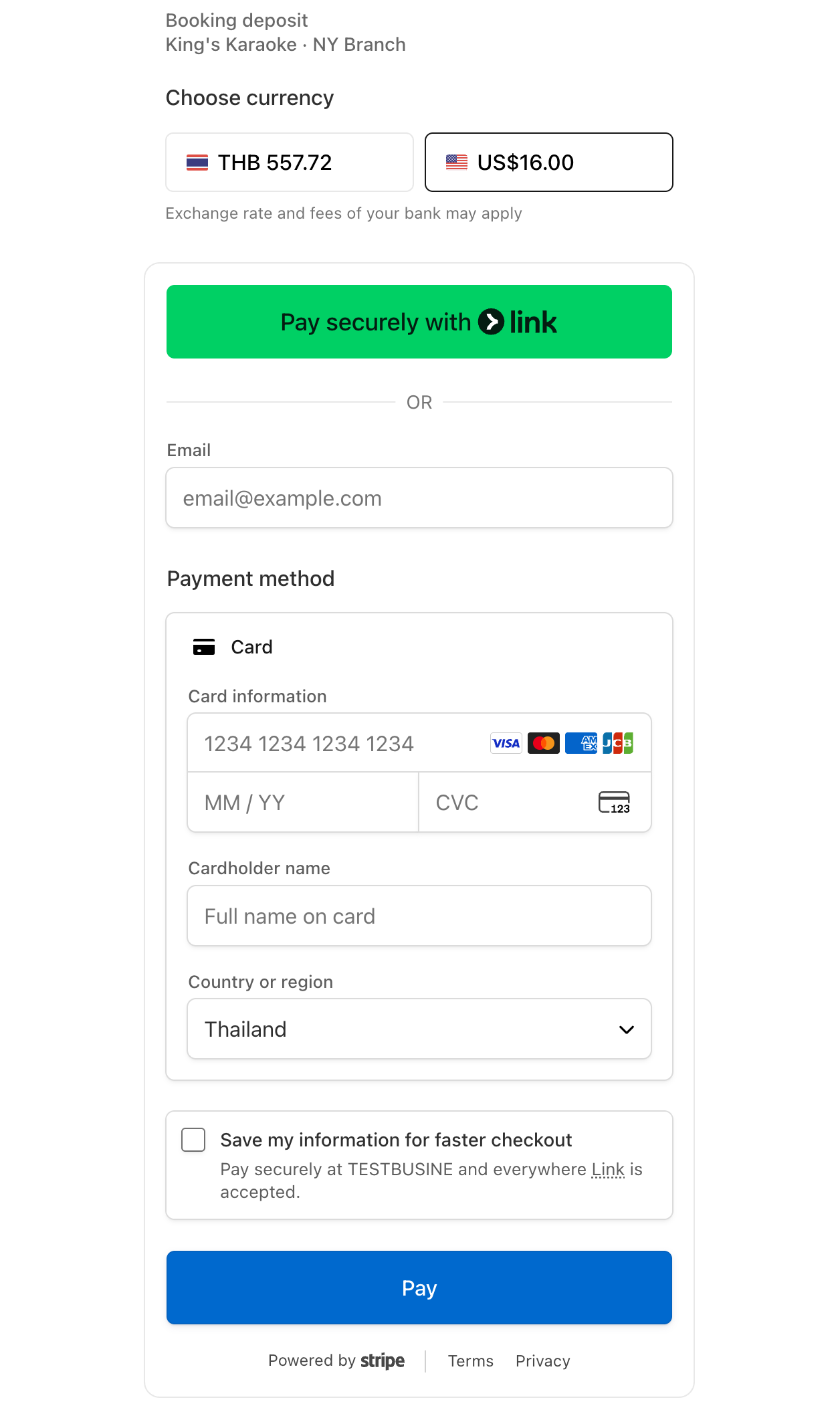
Choose to collect a deposit or the full payment when clients book through your client booking portal. A deposit lets clients pay part of the booking amount upfront, while full payment lets them pay the entire amount when they book.
Explore the client booking portal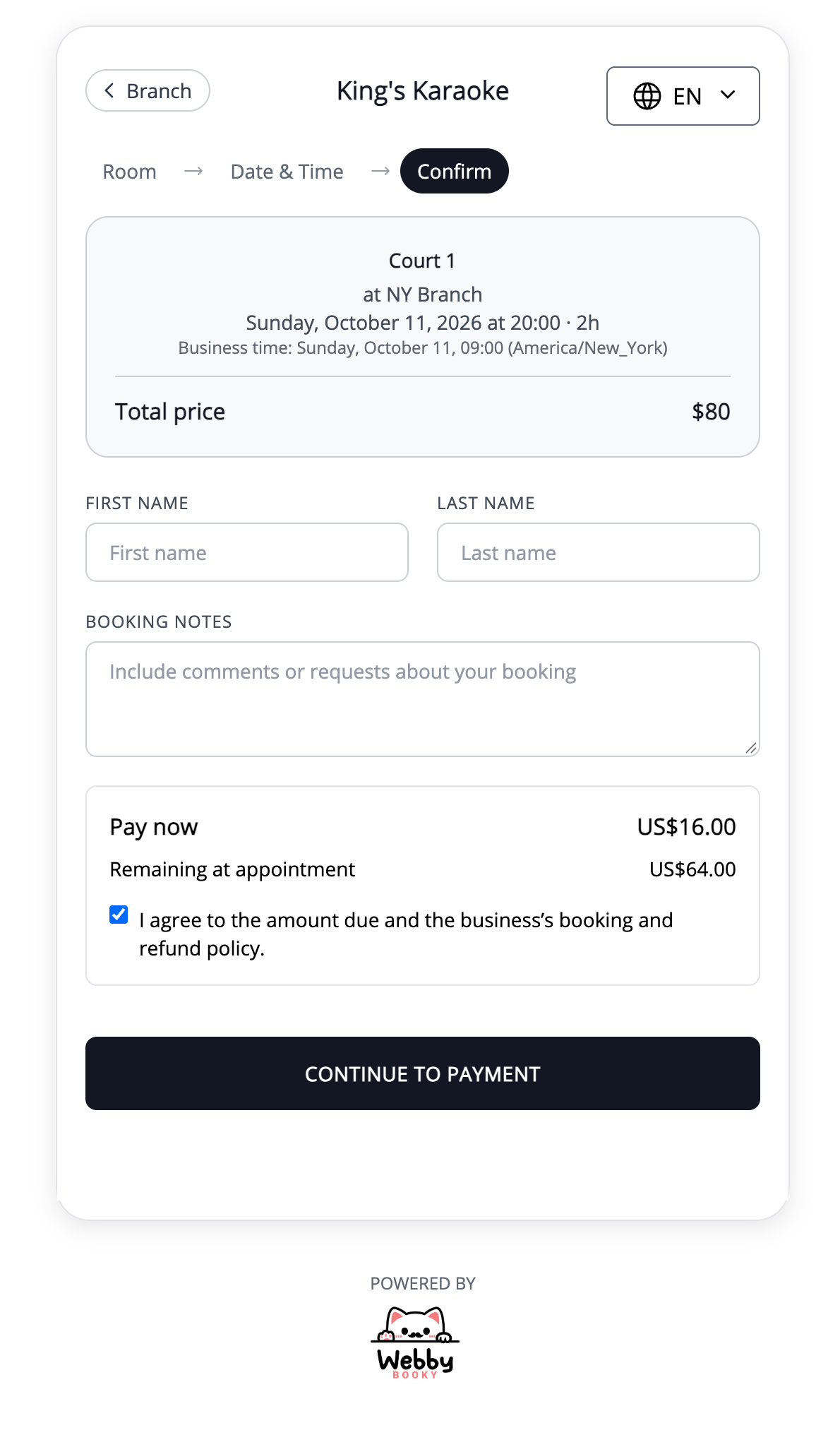
Bring booking and payment together
Share your client booking portal so clients can book and pay from the same starting point. Spend less time arranging payments separately and more time helping your clients.
Take payments through your booking calendar too
Your team can also take payments directly through the booking calendar. Handle payments from the same place you manage bookings, alongside the online payment options in your client booking portal.
Explore the booking calendar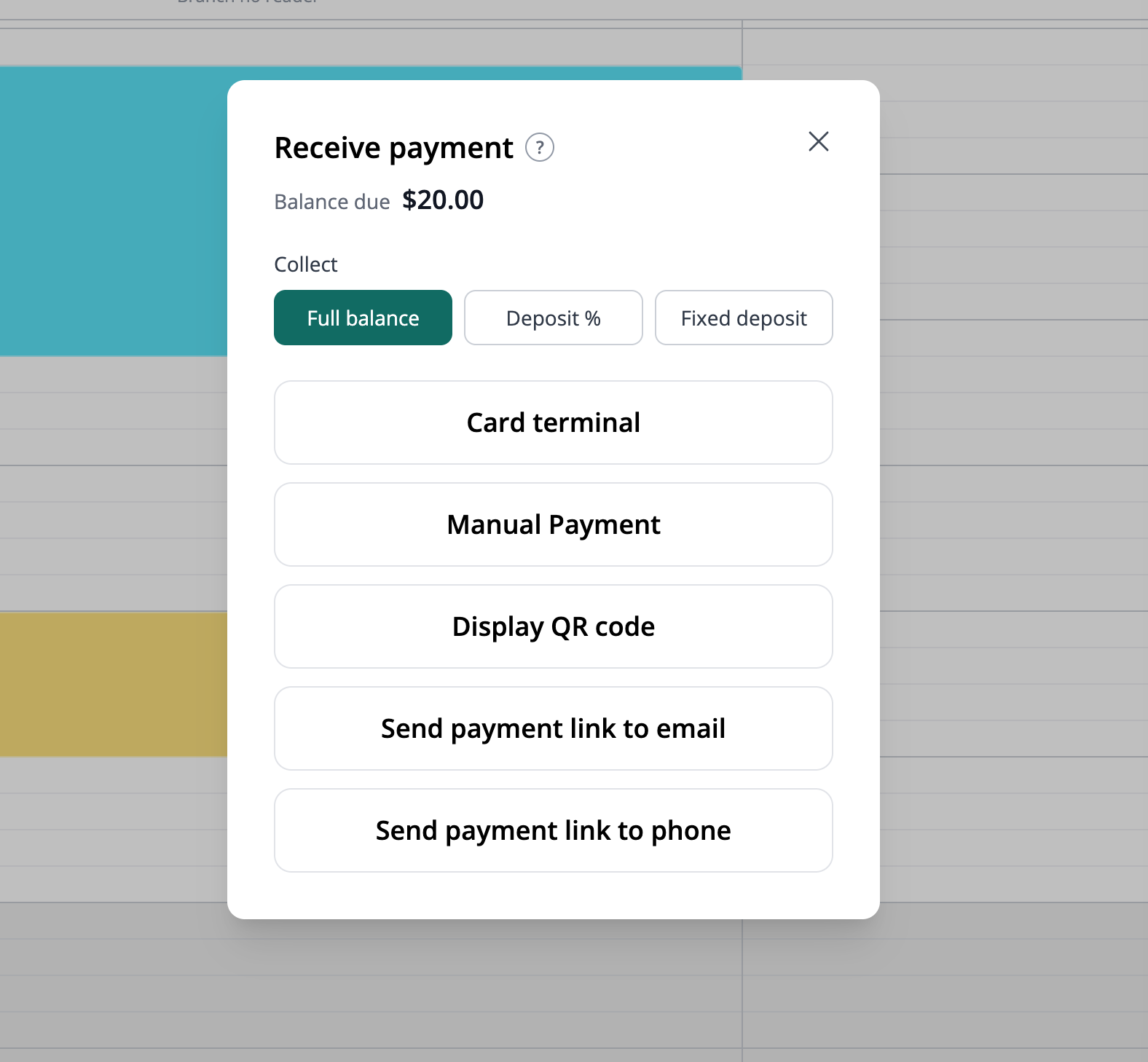
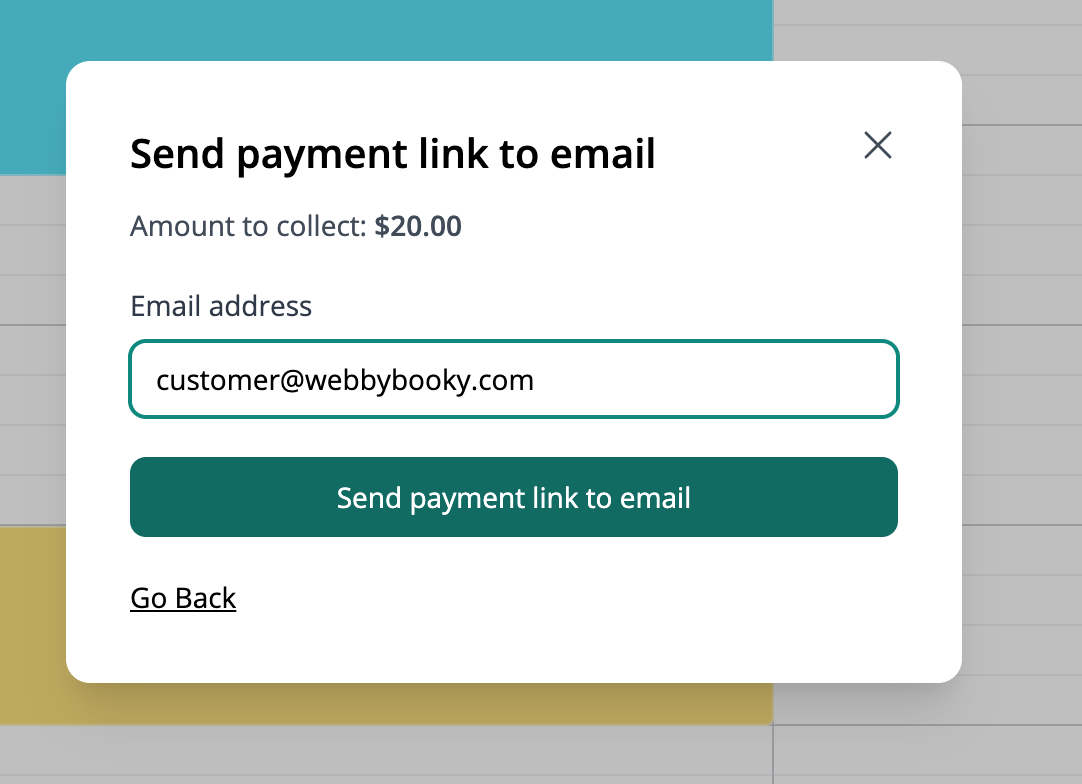
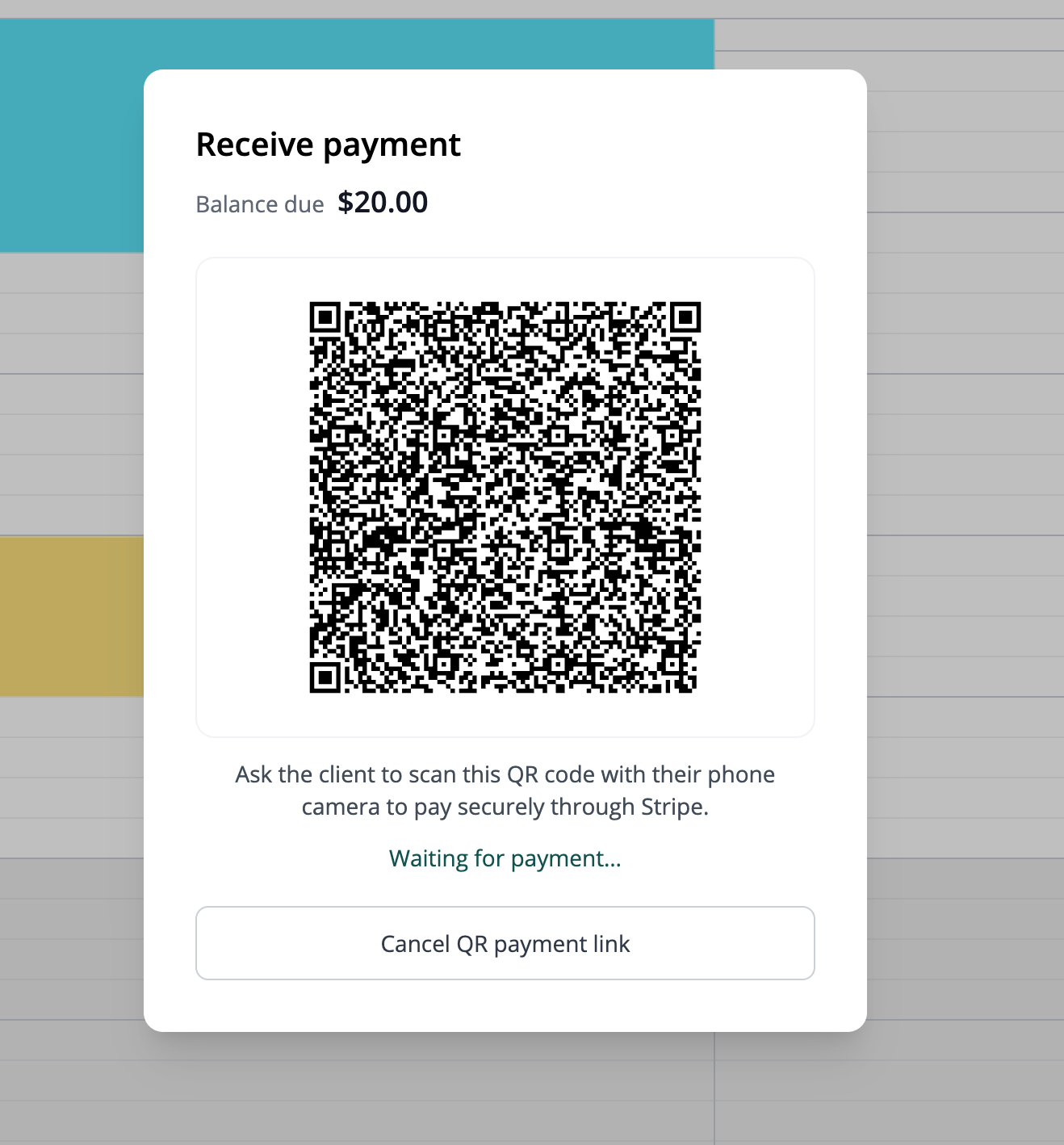
Send payment links by email or SMS, or let clients scan a QR code
Send a payment link to your client's email address or phone number so they can open checkout on their own device. SMS delivery uses SMS credits and requires the client's agreement to receive SMS notifications. You can also display a payment QR code for clients to scan in person.