Free booking system
Start with a free reservation system online
WebbyBooky's free online booking system helps small businesses accept service appointments or room reservations and keep bookings organized in one calendar. Give clients a booking page where they can choose an available time, so you spend less time arranging reservations through calls and messages. Start with no subscription fee, no trial expiry and no credit card required.

What does the free plan cover?
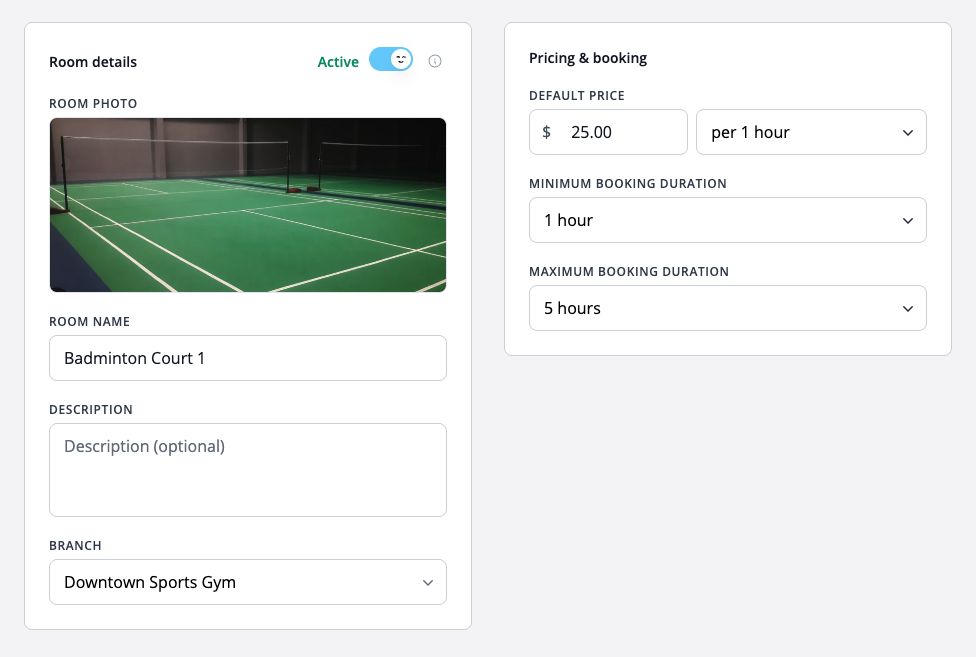
For service appointments, manage up to 2 bookable team members. For room and space bookings, manage up to 2 rooms. The applicable limit depends on the booking type you choose when setting up your business.
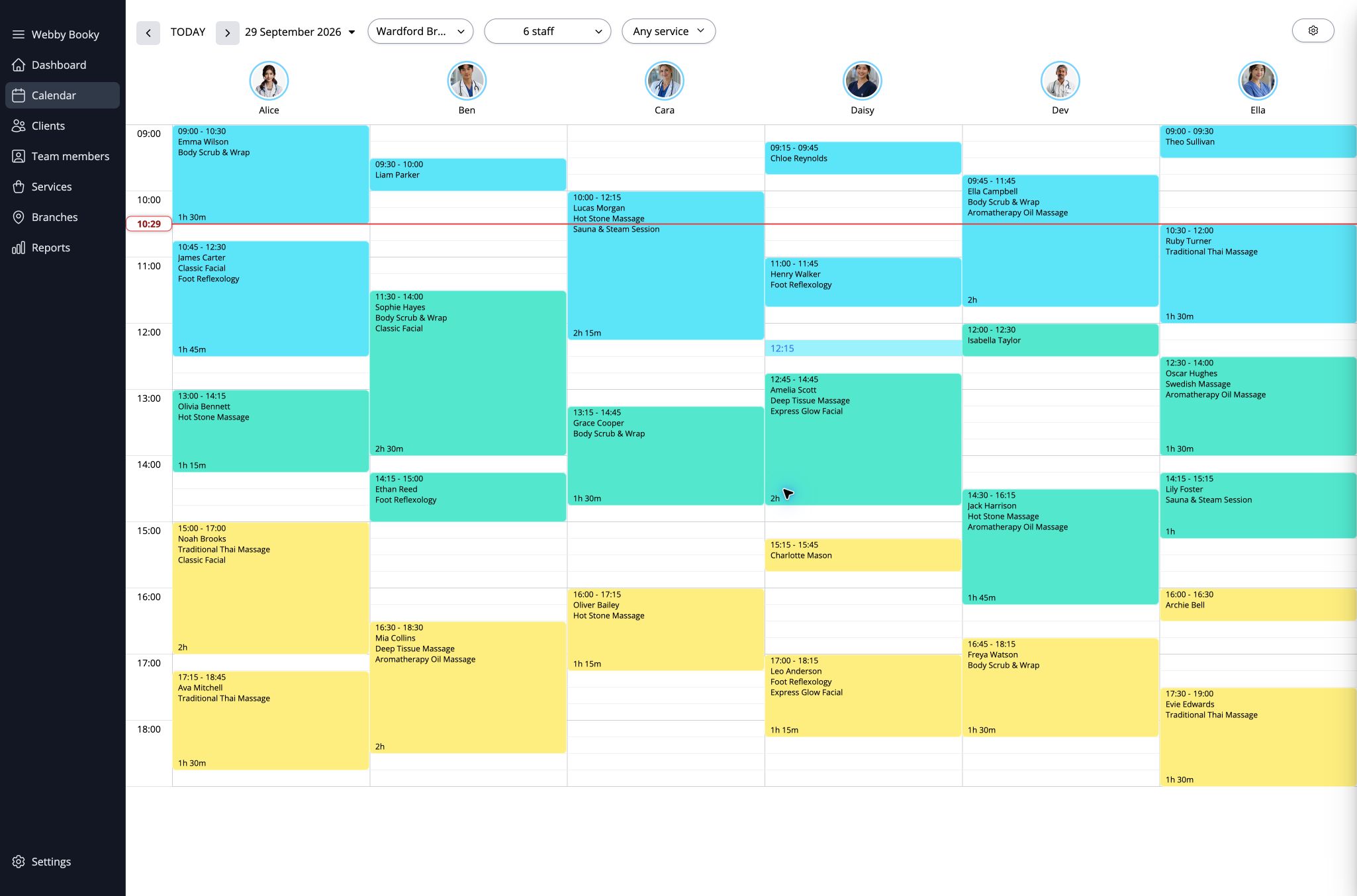
The free plan includes a booking calendar and online client booking, with unlimited bookings, services, clients, administrators and branches. This means you can keep taking reservations as demand grows without a monthly booking allowance to track. Plan capacity is based on bookable team members or rooms, so consider how many people or spaces customers need to reserve when choosing the right plan for your business.
- Booking calendar
- Online client booking portal
- Unlimited bookings
- Unlimited services
- Unlimited clients
- Unlimited admin users
- Unlimited branches
- Unlimited email notifications
A starting point for small teams and spaces
Use the free plan if your service business needs only a small number of bookable staff, or you manage one or two rooms. Clients can book online while you organize services, availability, and reservations in your booking calendar.
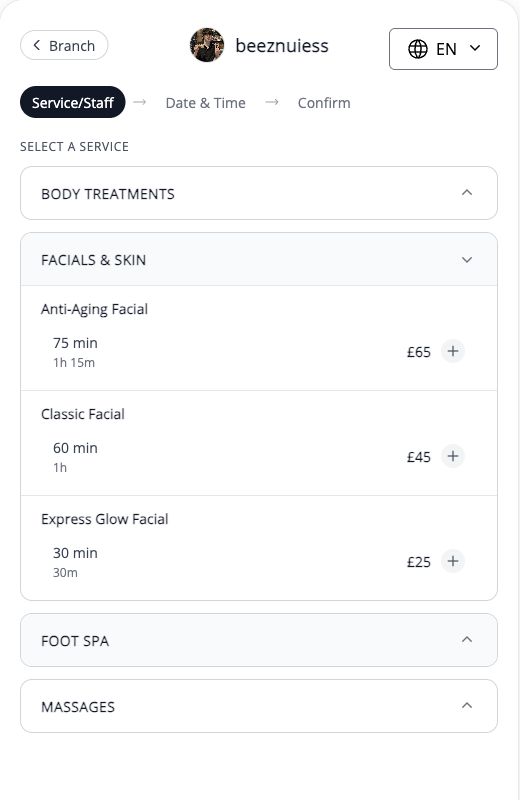
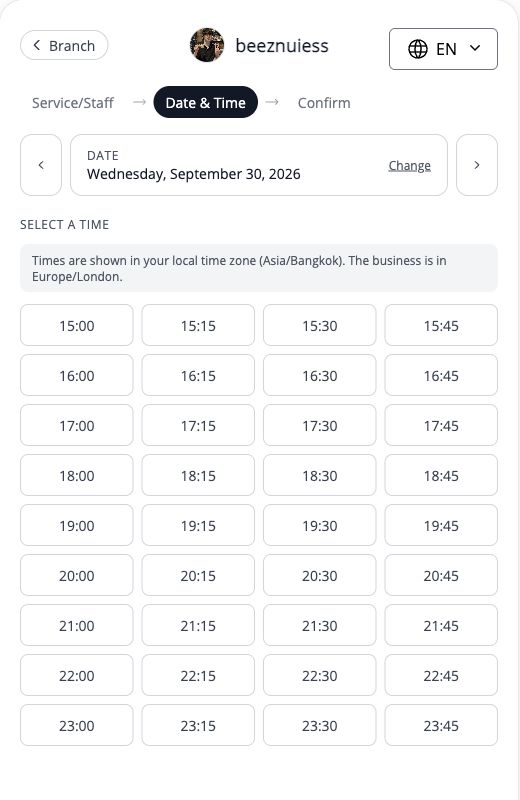
For example, a small salon can organize appointments around its team, while a studio owner can manage reservations for a bookable room. Instead of keeping availability in one place and customer requests in another, use your calendar to see upcoming bookings and plan the day. Clients can select from the availability you set on your booking page, giving them a clear way to reserve without waiting for you to reply to each enquiry.
Start accepting bookings
- Create your account and choose service appointments or room bookings.
- Add your services and team members, or rooms, and set availability.
- Share your booking page with clients so they can reserve online.
Pricing questions answered
Is the Free plan a trial?
No. Free is an ongoing plan with no subscription fee or trial expiry, and no credit card is required to start. It supports up to 2 bookable team members or rooms. Choose a paid plan when you need more capacity. Optional SMS notifications are charged separately on every plan.
Need more capacity?
Keep using Free while it fits your business. Compare paid plans when you need more bookable team members or rooms. Optional SMS notifications are charged separately on every plan; see pricing for current rates.
View pricing