Booking management across multiple locations
Manage bookings across multiple branches from one WebbyBooky account. Whether you run service appointments or room reservations, keep track of your locations, set branch opening hours and help customers choose where to book.
Easily switch between branches
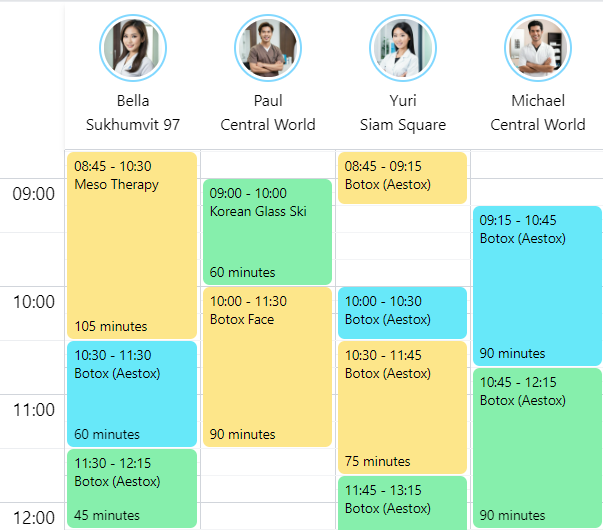
View bookings for all branches together, or select one location to focus on its calendar. Move between branch views as you organise the day’s appointments or room reservations.
For example, check the bookings at your second location while helping a customer decide where to visit. You can review each branch from the same business account.
Manage all your branches
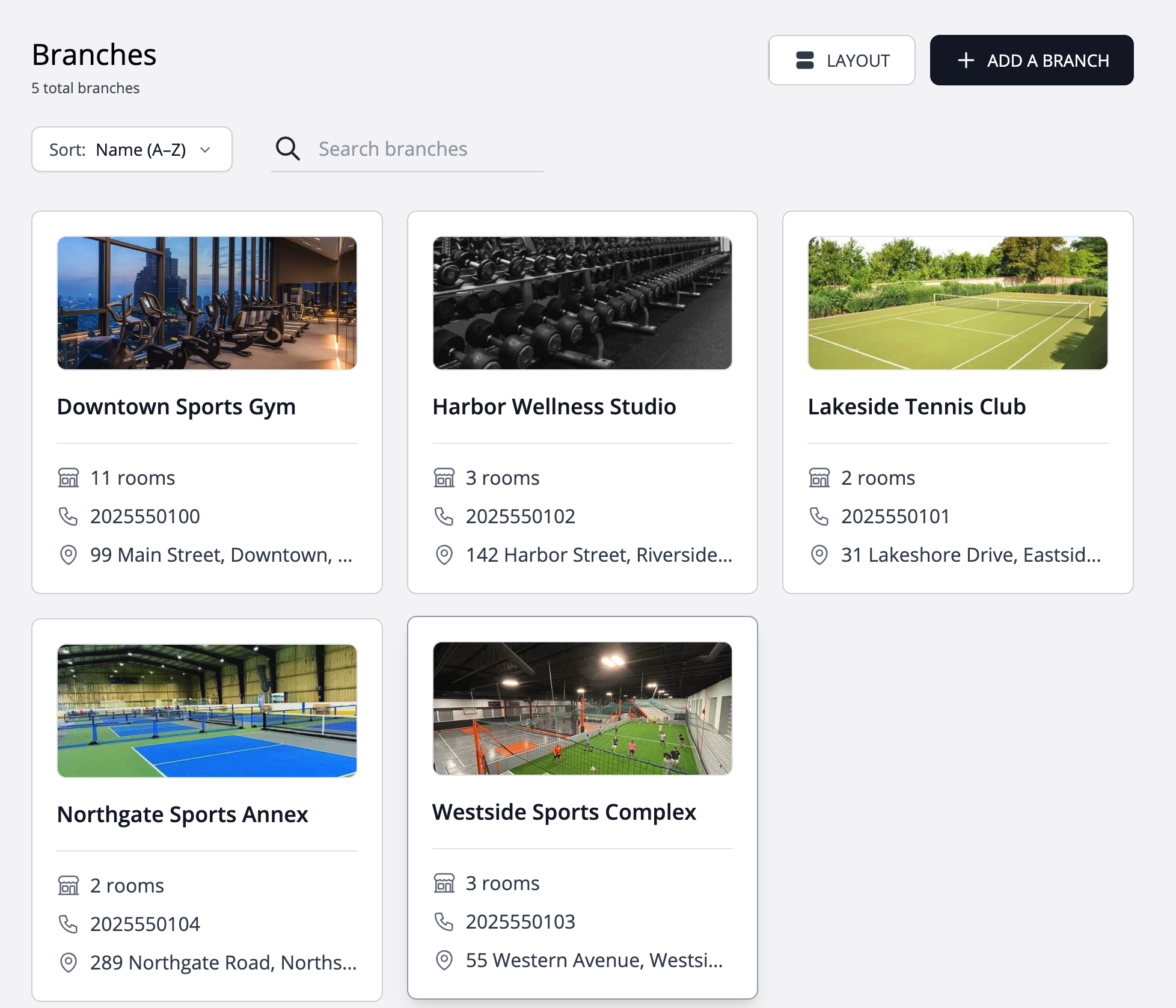
Keep your branch information together in one place. Open a branch to review its details or make updates as your business changes, without maintaining a separate account for every location.
This gives the people managing your bookings a consistent place to find branch information, whether you operate two locations or are preparing to open another.
Add unlimited branches as your business grows
Add new branches with no extra charge for the number of locations. Your plan’s team member and room allowances still apply across your business, so check the capacity you need when expanding. Unlimited branches does not mean unlimited bookable staff or rooms.
Customisable opening-closing time, booking gap
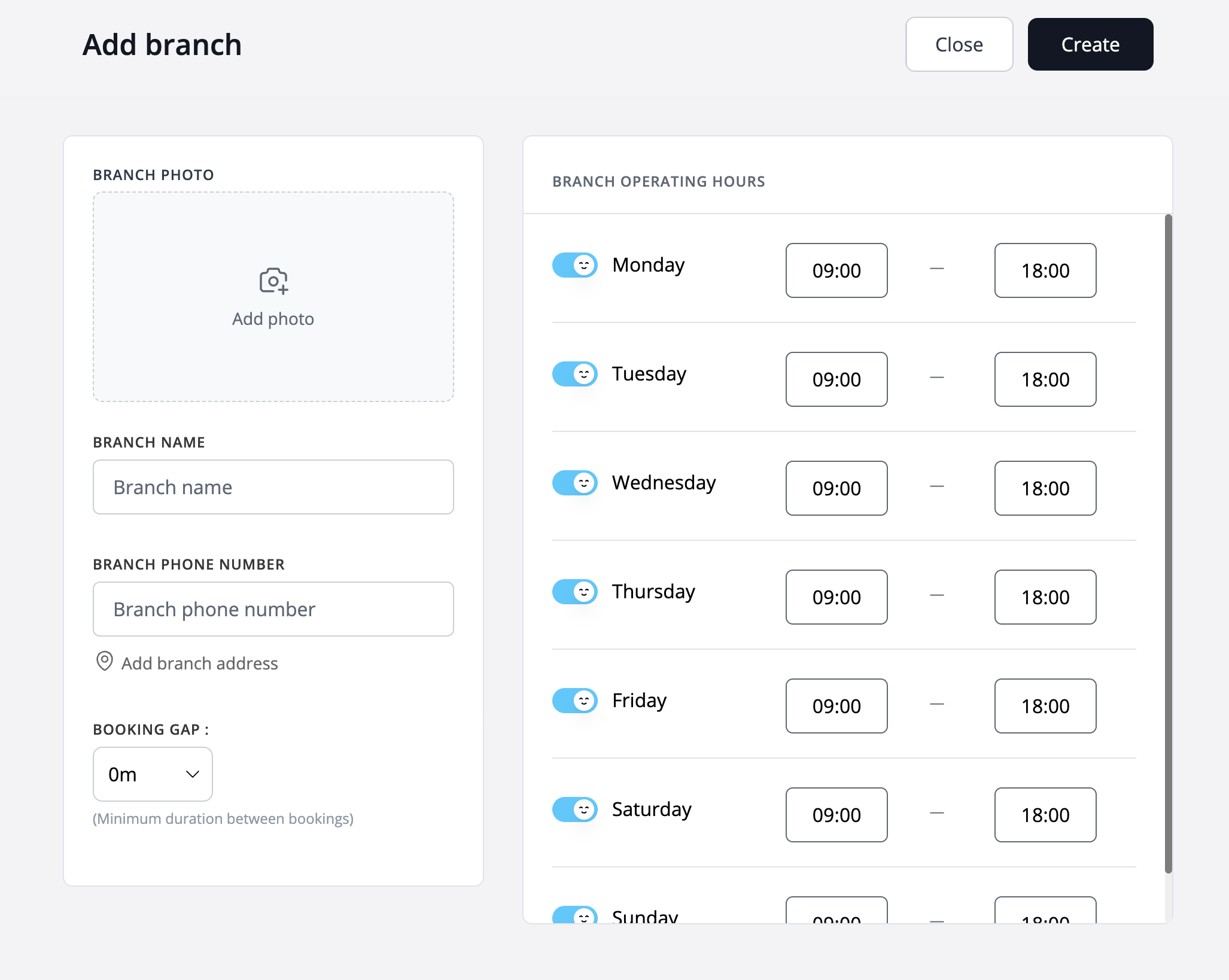
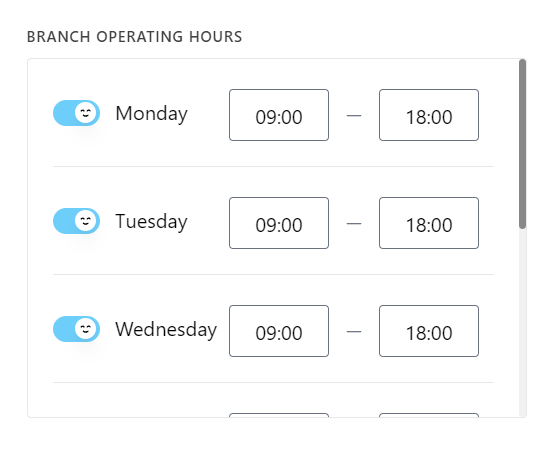
Set opening and closing times and booking gaps for each branch to match how that location operates. One branch might open earlier or close later than another. Configure each location’s schedule so your booking setup reflects those differences.
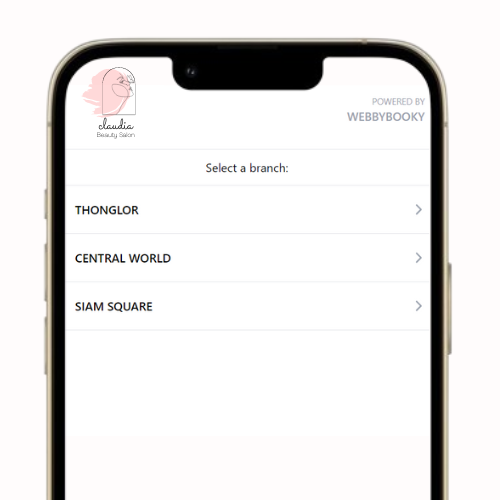
Location selection in online booking
Customers booking a service online choose their preferred branch before selecting a service and staff member. The location selection step helps them start their booking at the branch they intend to visit.
For a business with several locations, this makes branch selection part of the booking process and helps customers distinguish between locations before completing their appointment.