
One view of your appointments
View bookings by team member and branch. Keep track of the day’s appointments without switching between separate diaries.
View feature: One view of your appointments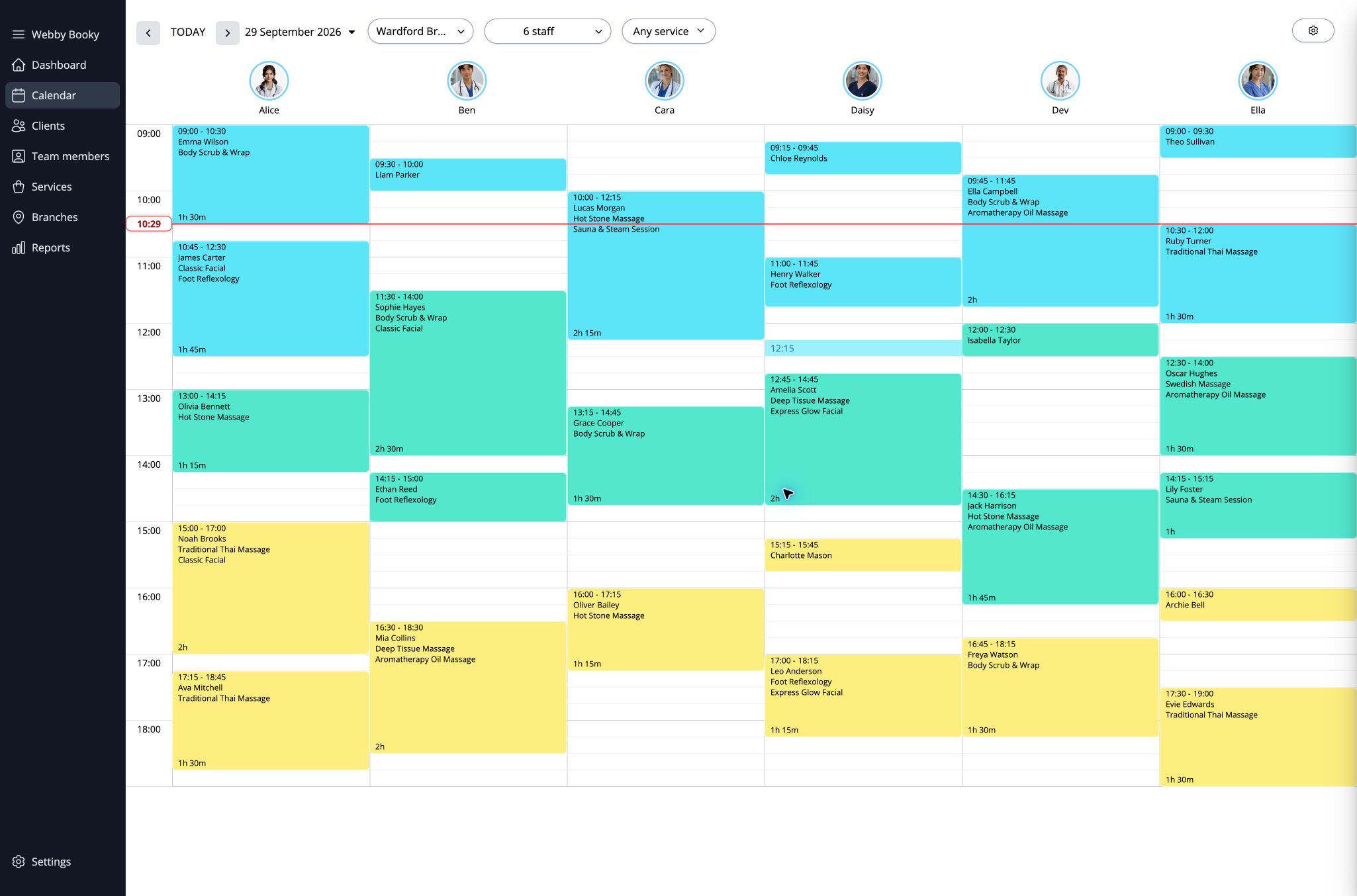
A haircut, a treatment or a private lesson starts with the same questions: which service, with whom, and when? WebbyBooky brings these details together so your team can keep track of each appointment and clients can book online.
Clients choose from your service menu, with the descriptions, durations and prices you set.
Assign services to the people who provide them so clients can select a suitable member of your team.
Clients select an available appointment time through your online booking page.
View bookings by team member and branch. Keep track of the day’s appointments without switching between separate diaries.
View feature: One view of your appointmentsA consultation may take less time than a treatment. Create service categories and set durations and pricing options for each offering.
View feature: Different services, different appointment lengths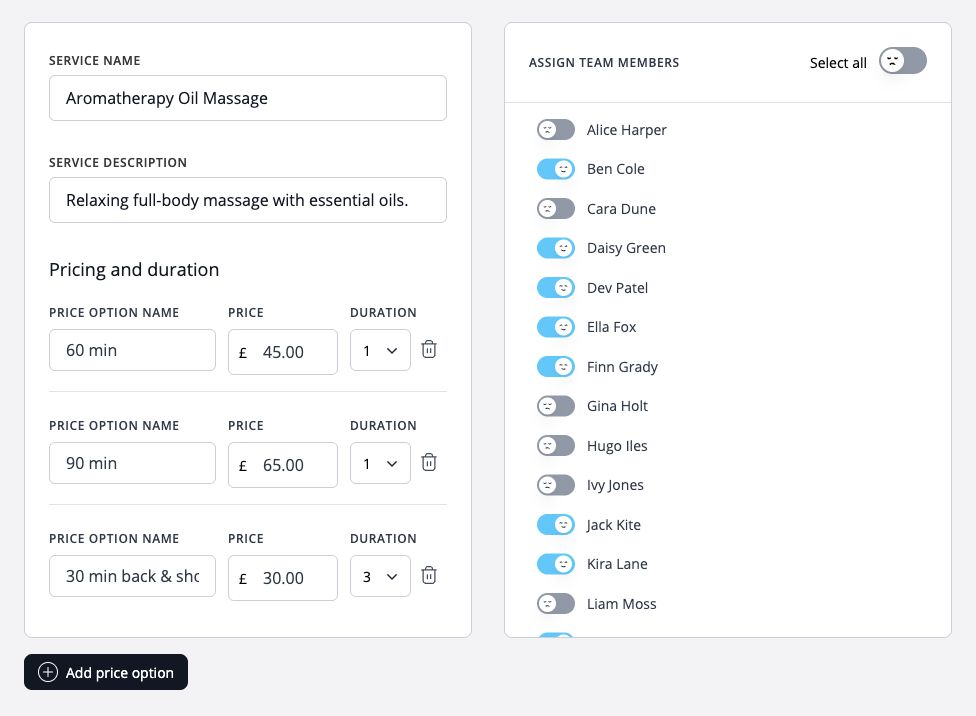
Share your booking page so clients can browse services, compare prices and durations, and choose a team member. They can then pick an available appointment time without calling to check your diary.
View feature: Let customers book services online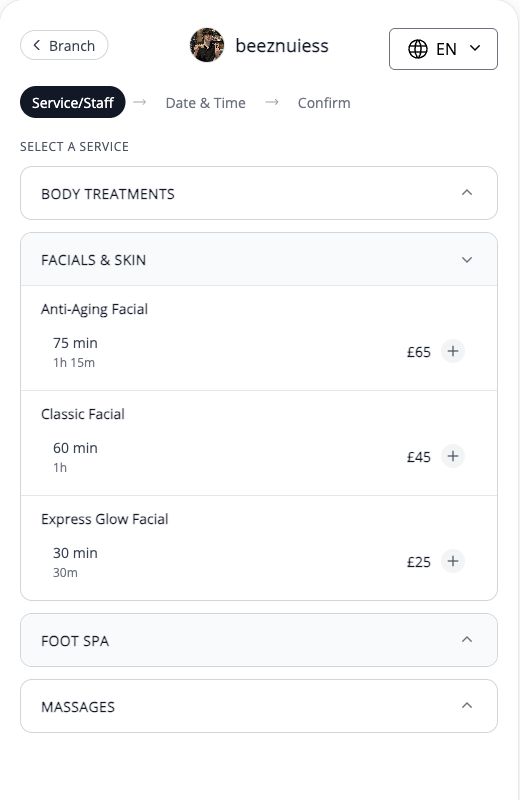
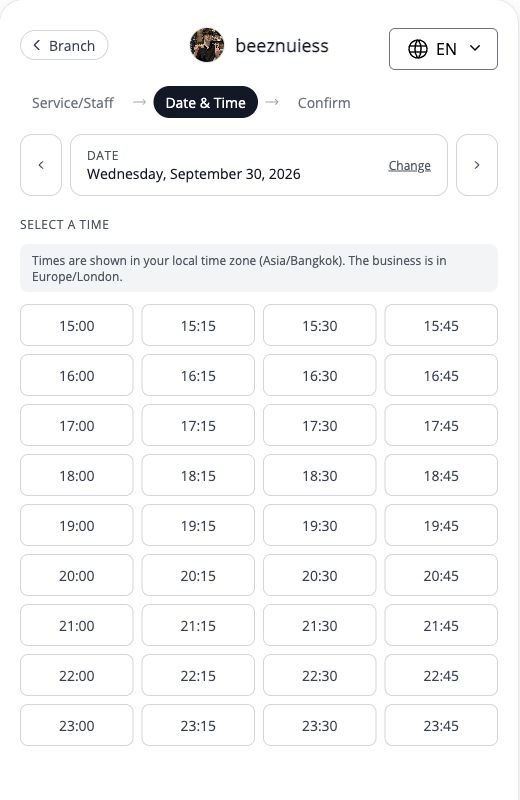
Manage team profiles, their services and their assigned branches. Keep your booking options aligned with what each person offers.
View feature: The right services for each team memberKeep client contact details, preferences and booking history together so your team can refer back to earlier appointments.
View feature: Context for the next visitFrom solo practitioners to teams across several branches, use appointment booking when a client is reserving time with a person.