Collect booking payments by card reader, QR code or link
WebbyBooky · Updated 9 October 2026
Customers do not always pay while booking online. Some arrange a visit with reception, and others need a payment request before they arrive. Use the booking as the starting point, confirm the amount required, and choose a supported collection method that fits the situation.
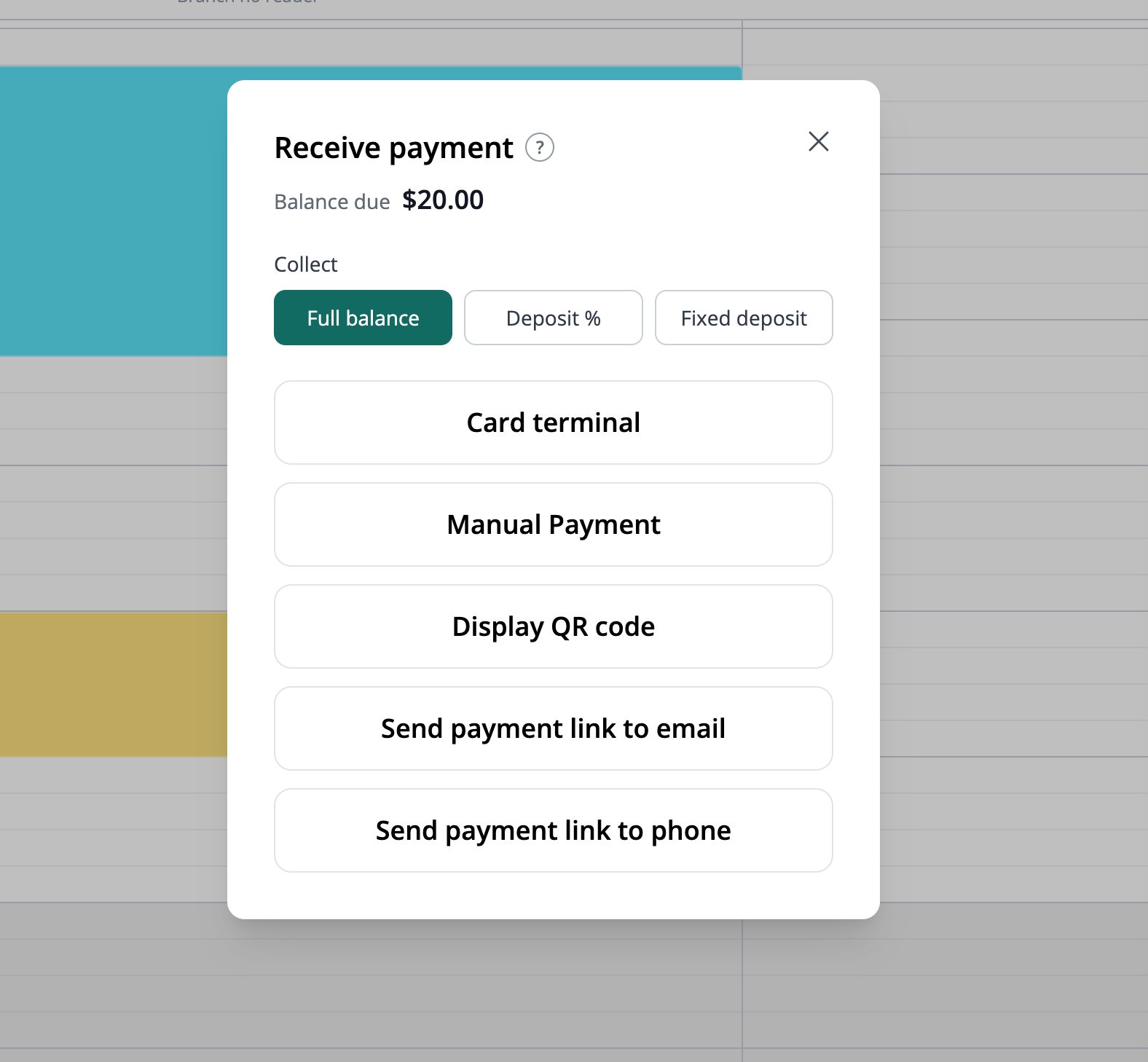
1. Start from the correct booking
Find the appointment or room reservation in the calendar and confirm the customer and amount. Review any payment already collected before creating another request. This helps the conversation stay tied to the intended booking rather than an unrelated amount.
2. Choose a collection method
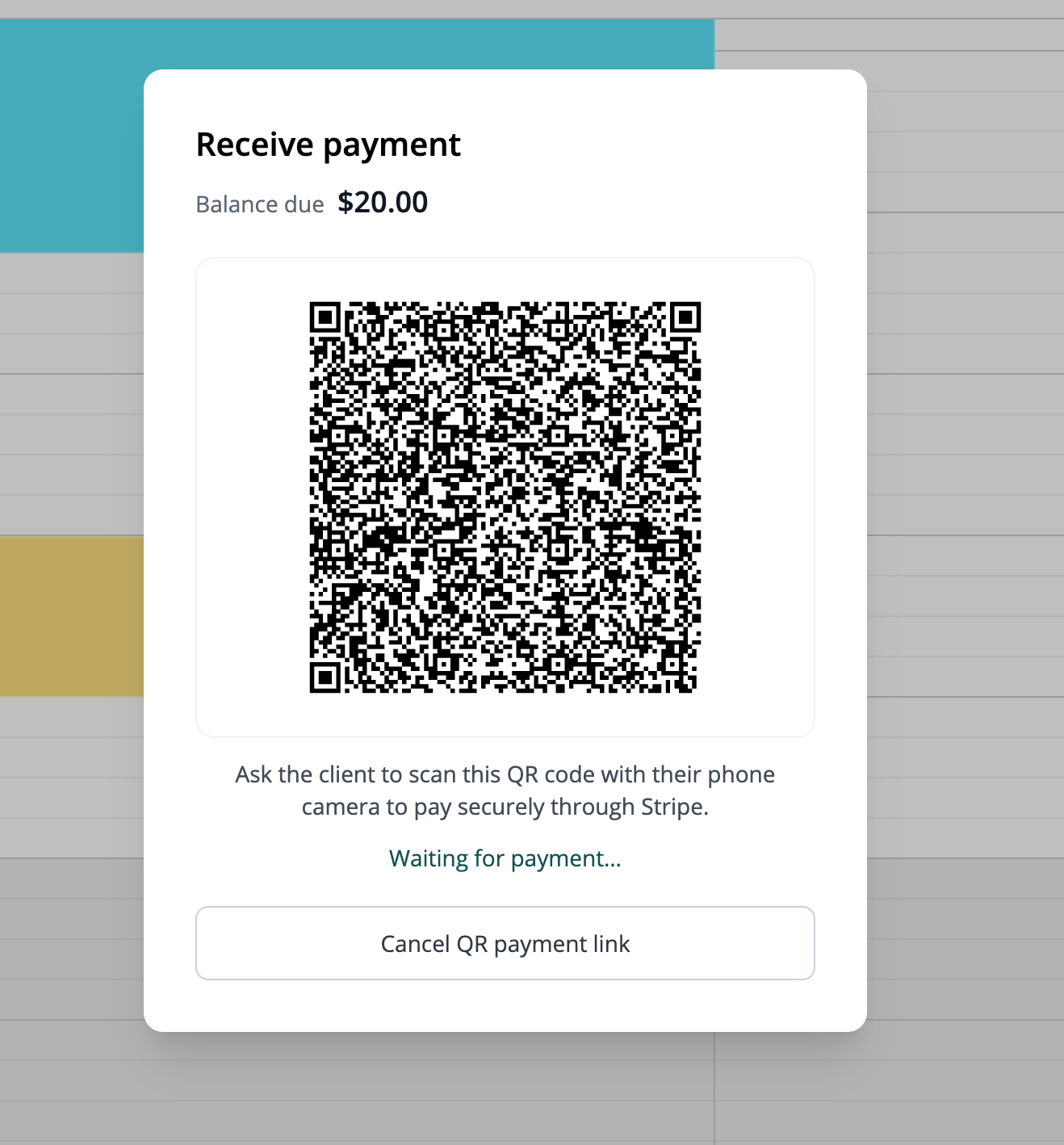
At reception, use a supported Stripe Terminal smart reader when your business has the required country and device setup. Alternatively, show a payment QR code so the customer can open checkout on their own phone. The QR code links to the payment page; it is not a promise that every local QR payment network is supported.
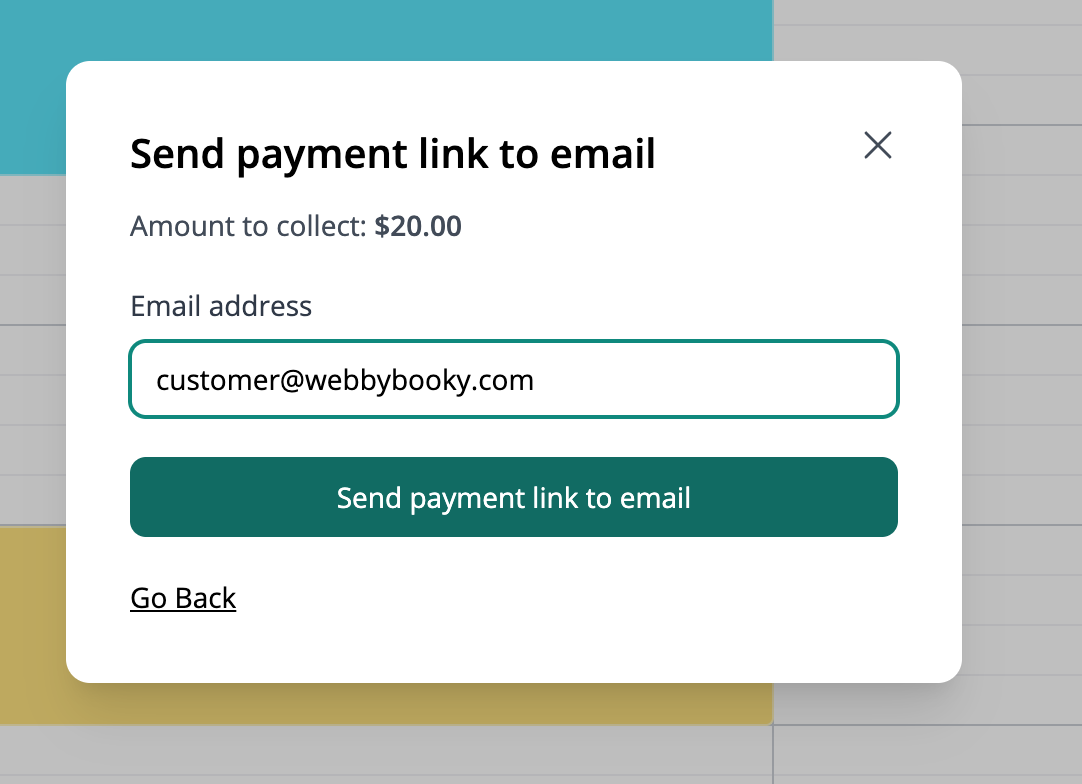
3. Send a payment link by email
For a booking made over the phone or a client who needs to pay before arrival, select Send payment link to email in Receive payment. Confirm the amount to collect, enter the client email address and send the link. Explain which booking the payment is for so the client recognises the request.
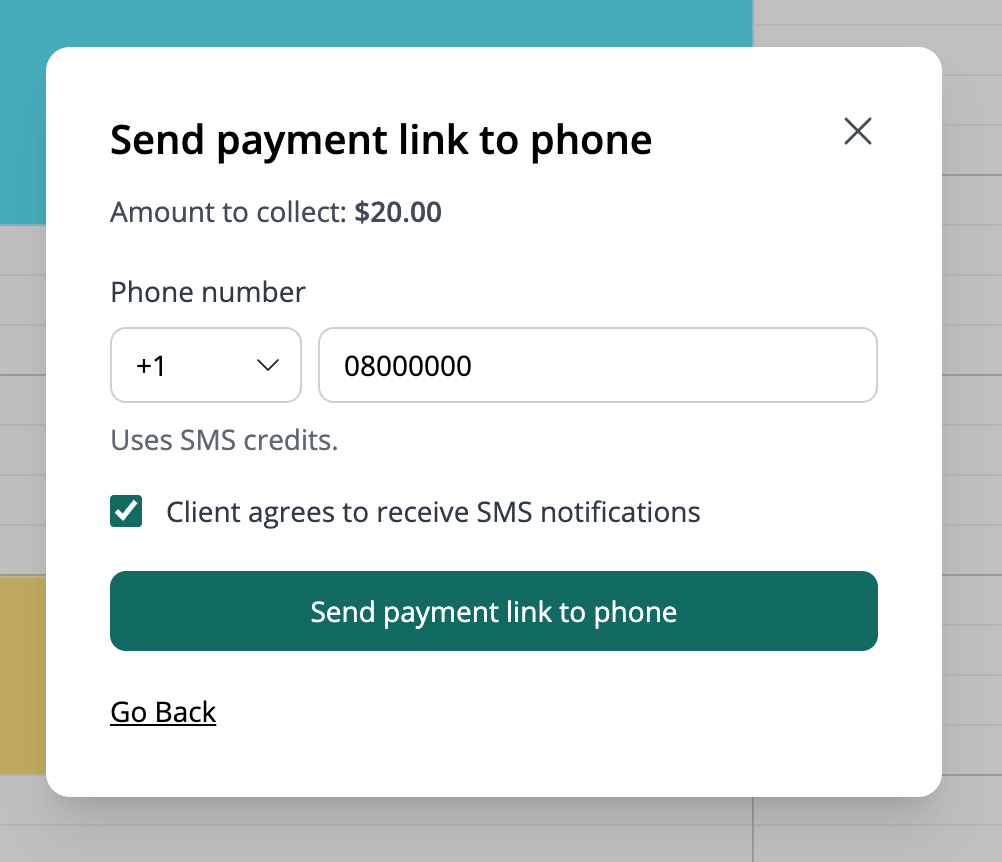
4. Send a payment link by SMS
Alternatively, select Send payment link to phone. Confirm the amount, country code and phone number, and confirm that the client agrees to receive SMS notifications before sending. This option uses SMS credits. The client opens the link on their phone to complete payment.
5. Confirm the result before proceeding
Check the booking payment status before treating the amount as collected. Opening a link or displaying a QR code is not the same as completing payment. If the customer has trouble, review the existing request and payment state before arranging another attempt.
Worked example
One booking, different ways to reach checkout
A client booking a room by phone can receive an email payment link. A client standing at reception can scan a QR code or use a supported reader. Choose the route that fits the visit and confirm the payment result; there is no need to request payment through every method.
Illustrative setup, not a live booking or customer result. Adapt the names, times and prices to your business.
Before you share your booking page
- Confirm the booking, customer and amount.
- Check reader compatibility before purchasing hardware.
- Check the SMS number or email address before sending.
- Confirm payment status rather than assuming a link was paid.